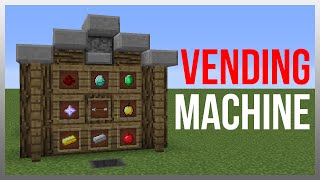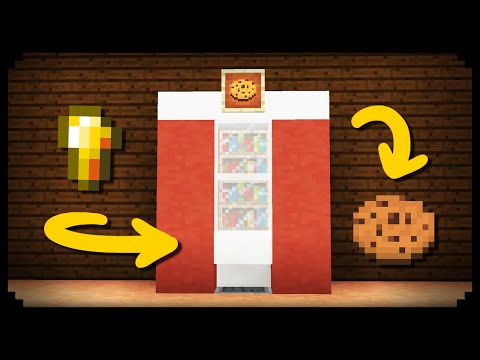
Video: ✔ Minecraft: How to make a Working Vending Machine by MagmaMusen
How to build it
- Place the Payment Hopper
Set down a chest or container in the ground and attach a hopper feeding into it. This hopper will act as the coin slot where players throw their payment items.
- Connect the Comparator Detection Line
Place a Redstone Comparator facing away from the hopper so it reads the hopper's contents. Run a short line of Redstone Dust (and a Redstone Repeater if needed to boost the signal) from the comparator toward your output area.
- Install and Stock the Dispenser
Place a Dispenser facing the front of the machine where the customer stands, wired directly to the redstone line from the comparator. Fill the dispenser with cookies or whatever product you want the vending machine to sell.
- Decorate the Vending Machine Shell
Build a decorative frame around the redstone using building blocks of your choice to hide the wiring while leaving the payment hopper and dispenser accessible. Place an Item Frame or Sign on the front displaying the item for sale, then toss an item into the hopper to test it!
How it works
This circuit relies on basic item detection using a comparator:
- Item Input: When a player throws any item into the input Hopper, the item briefly passes through the hopper's inventory on its way to the storage container below.
- Signal Detection: A Redstone Comparator reading the hopper detects the item passing through and outputs a brief redstone pulse.
- Dispensing: That pulse travels through the redstone wiring into the Dispenser, causing it to fire one cookie (or other stocked item) out to the buyer.
Tips & variations
- No Item Filter: As noted in the video, this ultra-simple design accepts any item thrown into the hopper as payment and triggers once per item passes through.
- Upgrade with an Item Sorter: If you want to require a specific currency (like diamonds or emeralds), replace the basic hopper input with a standard impulse item sorter filter before triggering the dispenser.
- Use a Dropper for Safe Items: If you are selling items that a dispenser would activate rather than drop (such as water buckets, arrows, or armor), use a Dropper instead of a Dispenser.
- Avoid Full Hoppers: Make sure the hopper drains into a chest; if the hopper gets completely clogged, the comparator will stay powered continuously and stop pulsing for new items.